Wednesday, September 20, 2017

(New Deals Added)JioFi Wireless 4G Data @Rs.999 [MRP:Rs.2329] + BBD Loot Deals

Amazon offering JioFi M2S 150Mbps Wireless 4G Portable Data + Voice Device worth Rs.2329 at Just Rs.795. Yes! They are offering Rs.1500 on this product. So, it’s a Loot deal.

Below we added The Flipkart Big Billion Sale Best Loot Deals, We will update this same post with more such deals. So, keep checking this posts for more.

(Loot Deal) JioFi M2S 150Mbps Wireless 4G Portable Data In Just Rs.795 only [MRP:Rs.2329]
So, Hurry up! Just follow the below steps to get this Loot deal.

Steps To Get this Loot Deal:

1. First of all, Visit JioFi Flipkart offer:
2. Then Add product to cart
3. Now click on Proceed to checkout option
4. Now Login / Create your account on Flipkart
5. Then enter your Shipping address and other details
6. After that continue to a payment page
7. Now, Pay Amount via Suitable Payment methods
8. You will receive the product soon
9. Enjoy!! ðŸ™‚

JioFi M2S 150Mbps Wireless 4G Portable Data + Voice Device Features:

  • Enjoy 4G features on 2G/3G smartphones
  • True 4G speed – download speed up to 150 Mbps and upload speed up to 50 Mbps
  • Make video and HD voice calls, audio and video conference, send SMS with Jio 4G voice app
  • Recommended to connect up to 10 Wi-Fi enabled devices (smartphone, laptops, tablets and even smart TVs)
  • Best in class battery (2300mAh) supports up to 6 hours of surf time

The Flipkart Big Billion Sale Best Deals
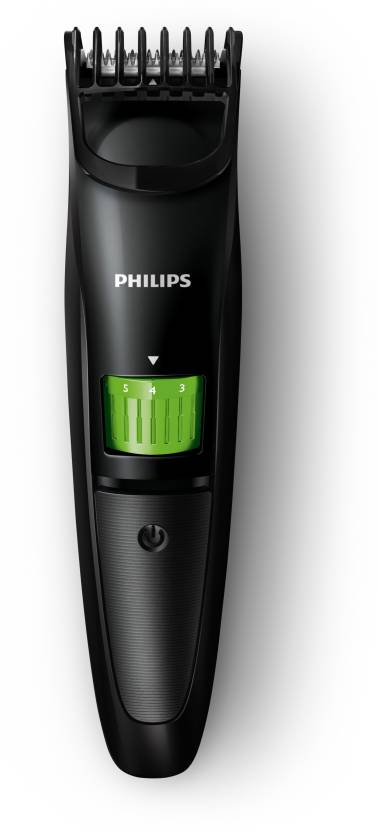

Philips QT3310/15 Trimmer For Men
  • MRP: 1,595
  • Offer Price: 899 – 44% off

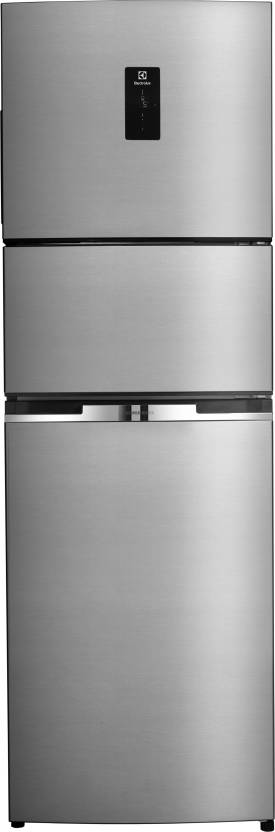
Electrolux 370 L Frost Free Triple Door Refrigerator
  • MRP: 54,990
  • Offer Price: 29,999 – 45% off

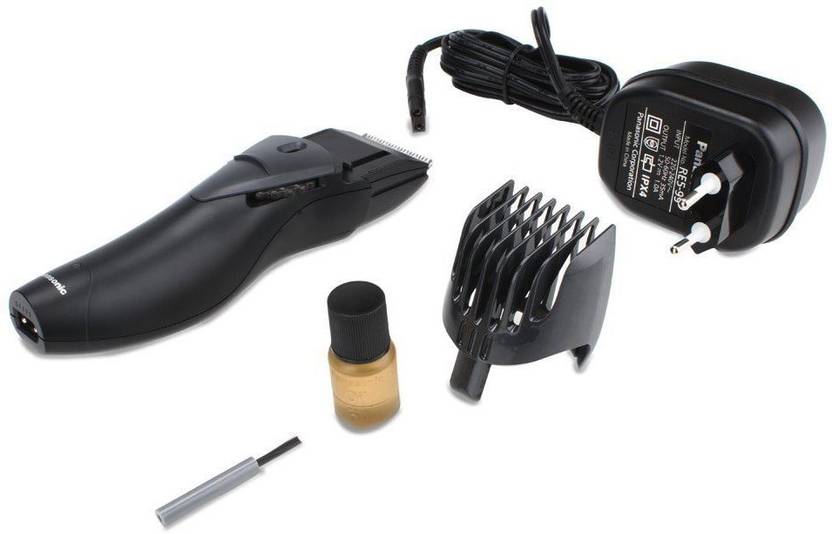
Panasonic ER207WK44B Trimmer For Men
  • MRP: 1,895
  • Offer Price: 899 – 52% off

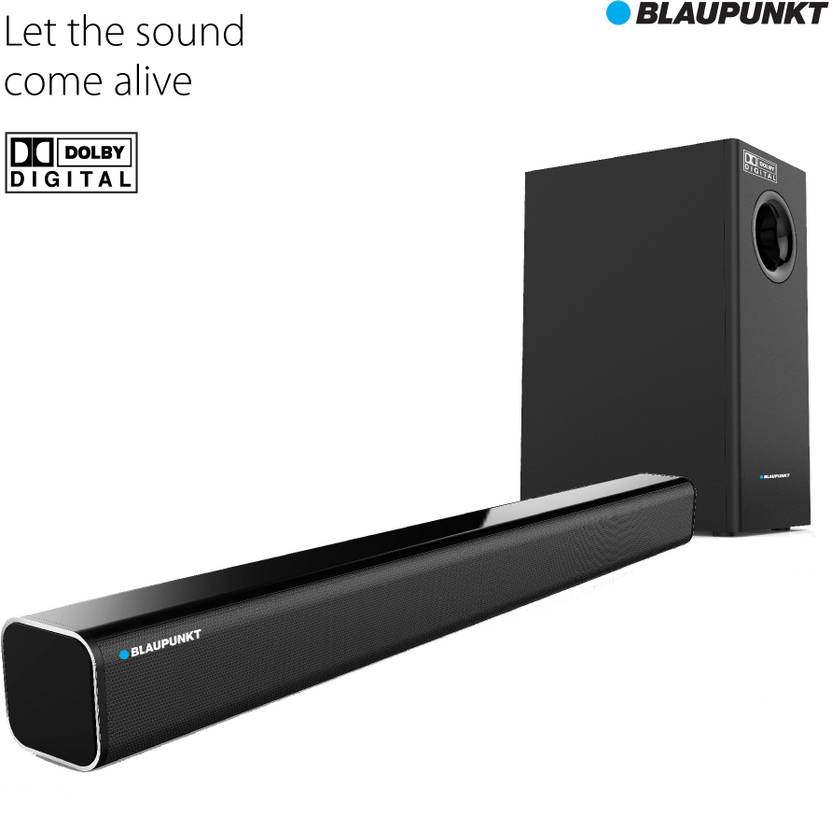
Blaupunkt SBW-01 Dolby Bluetooth Soundbar
  • MRP: 16,9905,999
  • Offer Price: 5,999 – 64% off

Chrome Storage Basket
  • MRP: 465
  • Offer Price: 93 – 80% off

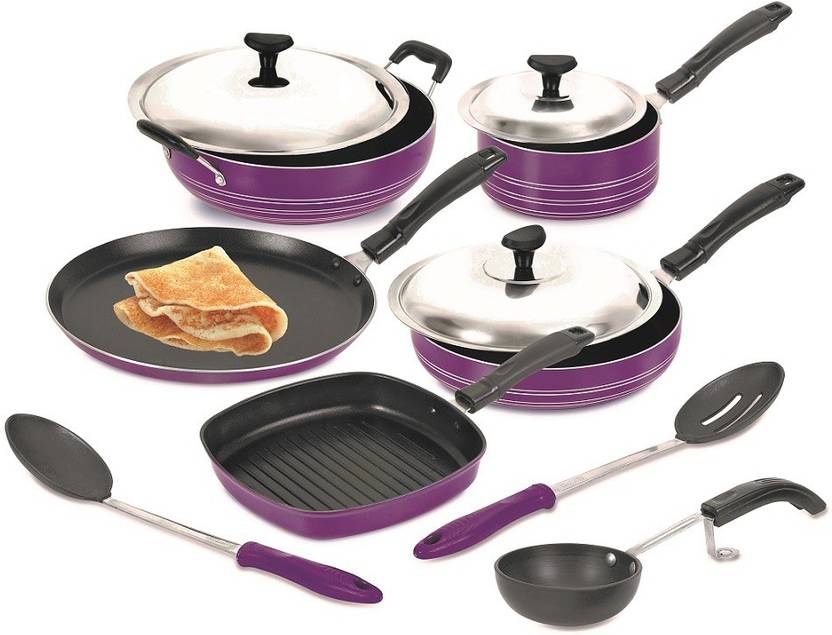
Crystal Silver Series Cookware Set
  • MRP: 1,979
  • Offer Price: 9,999 – 80% off

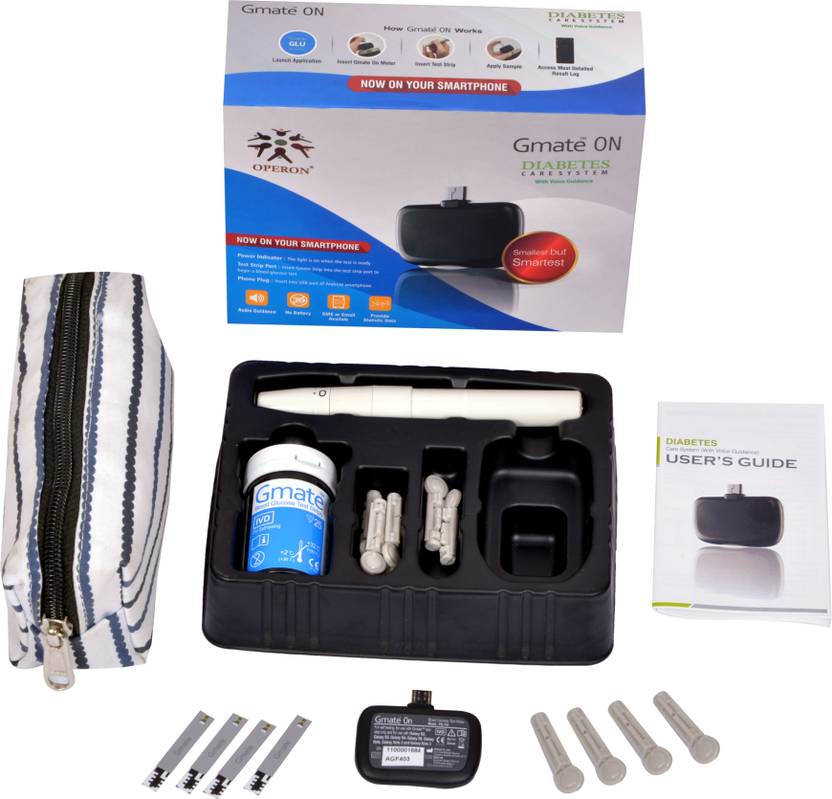
Operon Gmate ON Glucometer
  • MRP: 2,990
  • Offer Price: 399 – 86% off

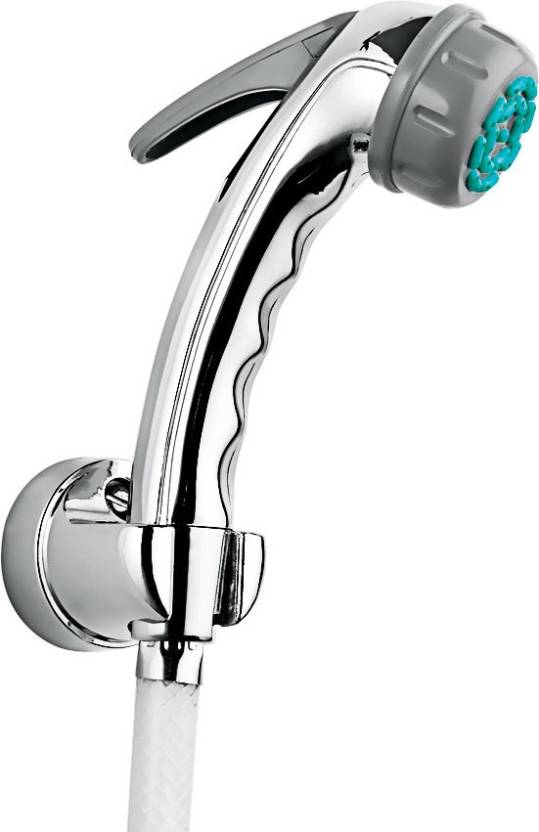
Hindware F160027CP Faucet
  • MRP: 630
  • Offer Price: 199 – 68% off

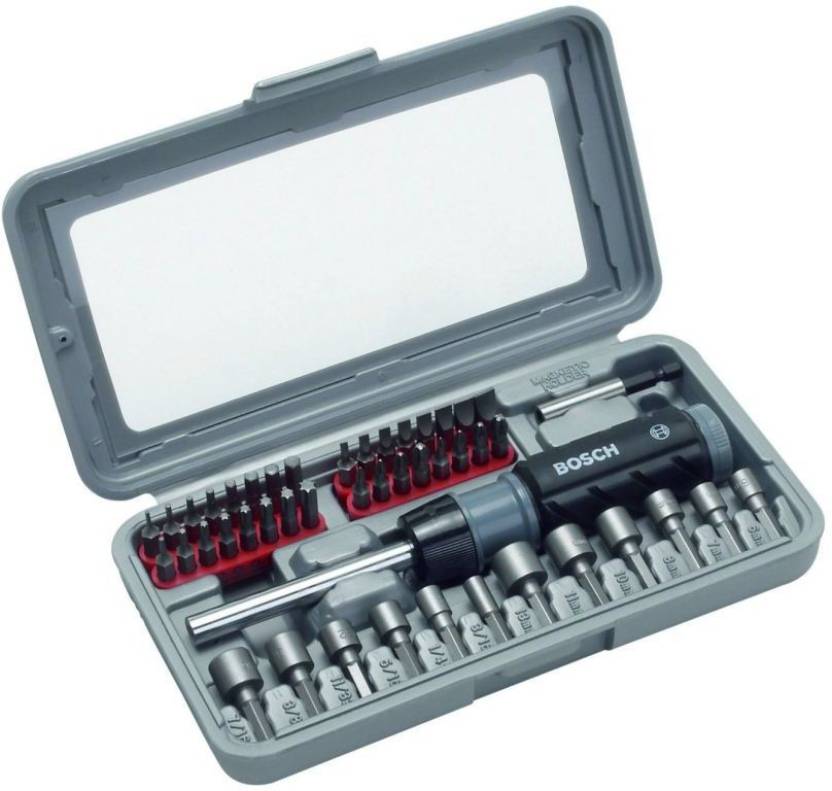
Bosch 46 Piece Screwdriver Set (Black and Silver)
  • MRP: 1,968
  • Offer Price: 899 – 54% off

Athena Floral Print Women's Sarong
  • MRP: 595
  • Offer Price: 146 – 75% off

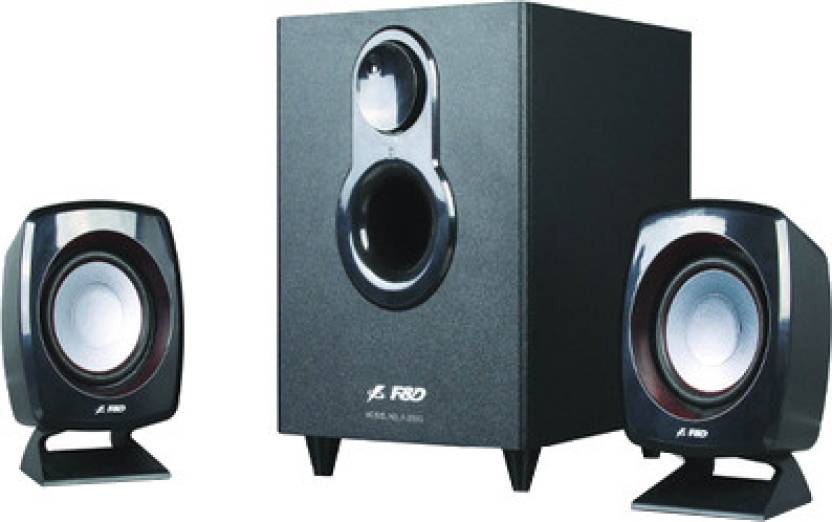
F&D F203G Portable Laptop/Desktop Speaker
  • MRP: 1,790
  • Offer Price: 999 – 44% off

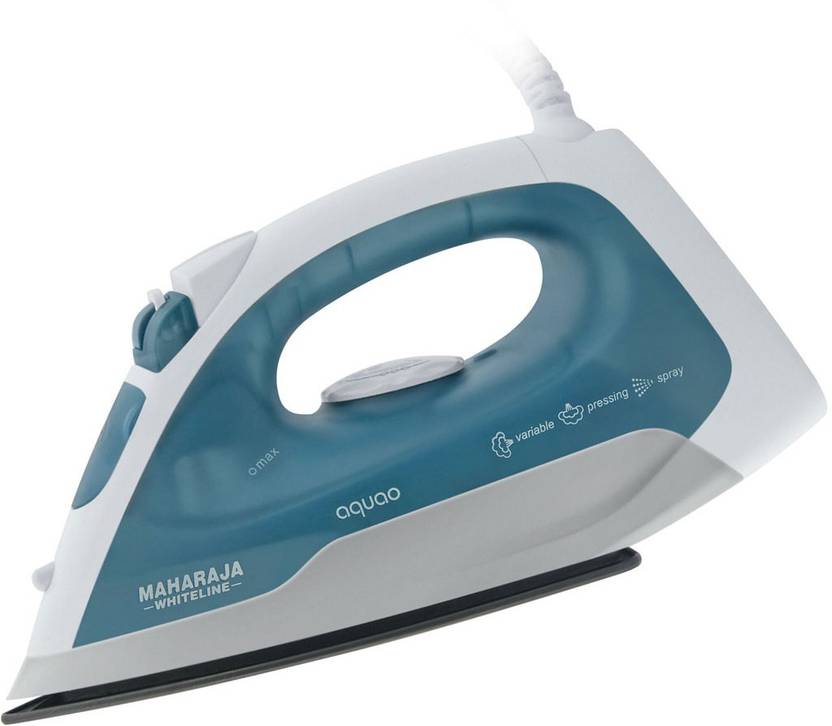
Maharaja Whiteline Aquao SI-101 Steam Iron
  • MRP: 1,399
  • Offer Price: 699 – 50% off

Monday, September 18, 2017

KK Launcher – Nougat & KK Prime v7.6 APK is Here

KK Launcher Prime
KK Launcher is a custom Android launcher which includes Android Nougat 7.1 and KitKat experience with Pixel Launcher features! KK Launcher is redesigned to maintain the best launcher features of stock Android launcher in all; new nougat shortcuts, new pixel drawer style, combined transparent KitKat concept. You can change app drawer layout style from KK Settings when you want.
Features
  • Android™ Nougat shortcuts are supported for Android 7.1 and higher
  • Android™ Nougat static shortcuts are supported for Android 5.1 and higher.
  • Custom KK shortcuts are supported for Android 4.4 and higher.
  • Android 7.1 Nougat-Pixel Launcher style app drawer.
  • New NougatⓃFolder preview options.
  • Dynamic All Apps button & widget & shortcut.
  • ”OK Google” voice detection which brings multiple languages.
  • Google Now swiping as permitted for third party launchers.
  • Hide Apps in App Drawer.
  • Start helper designed to import shortcuts from other Android launchers.
  • Clean transparent design and smooth animations.
What’s New
KK Launcher v7.1 — (Previously, KitKat-Nougat Launcher)
  • Android 7.1 Nougat & KitKat experience with Pixel Launcher features!
  • Android Nougat 7.1 – Pixel Launcher styled App Drawer.
  • Native Nougat Shortcuts for Android Nougat 7.1 and higher devices.
  • Static Nougat Shortcuts for Android Lollipop 5.1 and higher devices.
  • KK Local Shortcuts (App Info – Remove – Uninstall)
How to Install ?
  1. Download & Install KK launcher Prime Apk.
  2. When KK launcher Prime Apk will be installed then not open it.
  3. Then Install KK launcher Prime Apk unlocker
  4. Open the app.
  5. Done.
Screenshots
Download & Links
KK Launcher – Nougat 7.1 & KK Prime v7.6 APK (4.9 MB) – Pro key included

Calls Blacklist PRO v3.1.42 APK

Calls Blacklist PRO
Call blocker, and also effective SMS blocker. It blocks unwanted calls and spam messages. You can add any number to the blacklist or enable one of blocking options: “Private numbers”, “Unknown numbers” or “All calls”. Also you can block calls or messages by prefix. This app is easy to use, lightweight and provides wide range of functions.
Features
  • Blacklist (list of calls or SMS, you want to block).
  • Schedule.
  • Whitelist (never block list).
  • Journal of blocked calls and messages.
  • One click ON/OFF call blocker or SMS blocker.
  • Blocking of unknown and private numbers.
  • Blocking by prefix (“Begins with” option).
  • Password protection.
  • Blacklist saving and loading.
What’s New in v3.1.42 ?
  • Robust call blocker.
  • Works on all devices.
  • Easy to use.
  • Lightweight.
How to Install ?
1. Download the given apk to your phone
2. Install it normally
3. That’s all 
Screenshots
Downloads
APK (2.1 MB)

Monday, September 11, 2017

(Loot Deal) Amazon- SanDisk 32GB Memory Card In Just Rs.349 only

SanDisk Ultra MicroSDHC 32GB UHS-I Class 10 Memory Card (Up to 48 MB/s Speed)Hi Guys, Hope Amazon is offering Sandisk 32GB Memory Card at very cheap price, so Just follow some steps to Grab loot deal.

How To Get this Deal:

  • First of all, Visit here for Deal link – CLICK HERE
  • Add product to cart.
  • Then click on Proceed to checkout option.
  • Now Login / Create your account on Amazon App or The Web.
  • Then enter your Shipping address and other details.
  • After that continue to a payment page.
  • Now, Pay Amount via Suitable Payment methods.
  • Enjoy 32GB High Speed Memory Card at Rs. 349 only.
  • Soon delivery boy reaches to your address.

Product Features:

  • 32GB capacity
  • Upto 48MB/s read speed
  • Dependable high speed for shooting Full HD (1080p) video and high quality photos
  • Compatible with all microSDHC, microSDXC supporting host devices
  • 7 years warranty

Thanks for Visiting Us. Don’t forget to share our blog.

(Steal) Amazon-Himalaya Babycare Gift Pack(20 Items) in Just ₹200

(Steal) Amazon – Himalaya Babycare Gift Pack(20 Items) in Just Rs.200


Amazon Himalaya Babycare Gift Pack – Hi Guys, Hope You are Enjoying The Loot Deals & free Recharge Offers On Our TricksUpdater ,. As Amazon Is Giving Away Free Himalaya Baby care 20 Products In Just Rs.200.

Details Of This Loot :

Original Price :  425.00
Deal Price :  ₹200.00 
Discount Of : ₹225 (53% Off) 
(Steal) Amazon - Himalaya Babycare Gift Pack(20 Items) in Just Rs.200

Total Items You Will Get : 20

  • 12 Gentle baby wipes 
  • Gentle baby shampoo (100 milliliter)
  • Nourishing baby oil (100 milliliter)
  • Diaper rash cream (20 grams)
  • Moisturizing baby soap (70 grams)
  • Baby lotion (100 milliliter)
  • Baby powder (100 grams)

How To Get This Deal :

1. Firstly visit the Amazon Offer page
2. Then select the Product
3. After that add that product to your cart
4. Then click on Proceed to Checkout option
5. Now Login / Create your account on Amazon
6. Then enter your address and other details
7. After that continue to payment page
8. Now pay the amount and complete the transaction
9. Your product will deliver soon
10. Enjoy the product.

Product Images :

(Steal) Amazon - Himalaya Babycare Gift Pack(20 Items) in Just Rs.200

(Steal) Amazon - Himalaya Babycare Gift Pack(20 Items) in Just Rs.200

Friday, September 08, 2017

Gesture Lock Screen PRO v2.1.7 APK

Gesture Lock Screen Pro
This is the PRO or ad free version of Gesture Lock Screen
Features
  • Draw letters, numbers, shapes, signatures and contextual gestures to unlock
  • Enter recovery password to unlock or change gesture
  • Customize all screen items, sounds, unlock animation
What’s New in v2.1.7 ?
Fixed many bugs
Added option to toggle date/time/message shadows
Improved UI
How to Install ?
1. Download the given apk to your phone
2. Install it normally
3. That’s all 
Screenshots
Downloads
APK (2.7 MB)

KMSpico 10.2.0 Final + Portable Activator is Here

KMSpico v10.2.0
KMSPico is the most successful, frequently updated and 100% clean tool to permanently activate any version of Windows and Microsoft office within matter of seconds.It is a community developed tool to programatically activate Microsoft products such as Windows 8, Windows 8.1, Windows 10, Office 2010, Office 2013 and Office 365 without using a paid license.
Supported Products
  • Windows Vista Business/N/Enterprise/N
  • Windows 7 Professional/N/Enterprise/N
  • Windows 8 All Editions
  • Windows 8.1 All Editions
  • Windows 10 All Editions
  • Office 2010/2013/2016
  • Windows Server 2008/Standard/Datacenter/Enterprise/2008R2/Standard/Datacenter/Enterprise/
  • Windows Server 2012/Standard/Datacenter/2012R2/Standard/Datacenter
What’s New in v10.2.0 ?
  • Fixed bugs with Office 2010 activation in W8.1/W10.
  • Add feature to remove the KMS Emulator IP address from products in W8.1/W10 after activation.
How to Use ?
1. Install KMSpico
2. Run KMSELDI.exe
3. Backup Tokens
4. Click on Red Button
5. That’s all 
Screenshots


Downloads

Thursday, August 24, 2017

Microsoft Office Professional Plus 2016 August (x86/x64) ISO is Here

Microsoft Office 2016
It well demonstrates how today has changed the approach to create documents and work with them. Many of us are beginning to work on the same computer, it continues on the other, as demonstrated in the third, simultaneously managing to make minor changes for laptop, tablet or smartphone. Therefore, Office 2016 tried to make conceptually different. Almost all of the key elements in it have been developed from scratch, and applications oriented to a single style of work, regardless of the hardware platform. They are designed to provide the usual functional on any device, automatically adjusting its interface to the parameters of the current screen and the available system resources.
What’s New ?
  • Already available in OneNote and Window, math input control is now available in Word, Excel and PowerPoint. You can write math equations with a digital pen, a pointing device, or even your finger, and have the ink converted to a “typed” format.
  • This feature simplifies resolving conflicts when coauthoring. You can choose between two versions of the conflicting slides, your changes or others’ changes, instead of sifting through the individual conflicts.
  • This feature increases the number of default shape styles by introducing new “preset” styles in Word, Excel, and PowerPoint.
  • We’ve improved the timeline view in Microsoft Project so you can now have multiple timeline bars in a single view and you can set the date range for timeline bars so they can just represent a specific phase of your project. To try this out, click on the timeline and then go to the Format tab. Note the new Date Rage and Insert Timeline Bar commands.
  • Visio diagramming can be intimidating for someone who is new to Visio and not used to the rich set of tools offered. The Getting Started experience now makes the Visio canvas more inviting by providing a select set of pre-crafted starter diagrams which will help the users in some of the very core scenarios for that template. In addition, there are some tips provided with the diagram which help the users in editing and completing their diagram creation experience. Using Visio is easier than ever.
  • The preview has higher DPI support for 250% and 300% so that your Office documents look great on larger screens.
  • No more waiting while large charts and SmartArt diagrams load as the text will appear right away, allowing you to dive right in and start editing. A placeholder for the chart or SmartArt will be displayed until the object fully renders but you can still interact with the document.
  • We’ve changed the default Office theme to align with the visuals of our modern apps. The default theme is now “Colorful” (previously, the default theme was “White”). You can always change your theme by going to File > Account > Office Theme.
  • Now, with automatic image rotation, once you insert an image into the apps, it automatically rotates the picture to match the camera’s orientation. You can manually rotate the image to any position after insertion. Note that this only affects newly inserted images and does not apply to pictures in existing documents.
  • The Building Plan and Electrical stencils have been refreshed with new shapes so you have more variety to choose from.
  • Open up an Excel workbook within SharePoint quickly in read-only mode to quickly get to what matters most.
  • This new theme is designed to provide users with visual impairments who find overly bright displays unusable in Office 2013, with a more visually subtle background to work with in the apps. Dark theme also includes improvements to Word’s navigation pane (better readability, fixed white flashes) and several Outlook readability fixes (white text on light background, dark text on dark background, disabled text being unreadable). The contextual ribbon tab text, hover states and task pane controls have also been improved.
  • New chart types
  • Quick data linking in Visio
  • And Many More
How to Install ?
  1. Download 32 or 64 bit ISO as per your system
  2. Run “O16Setup.exe”
  3. Click Install Office Button & Wait Till It Installs
  4. Open Any Office Product (e.g. MS Word), Wait till some popup windows appear
  5. Cancel Popup to sign in and activate
  6. Close Office and visit Crack page Given Below
  7. Follow steps given on that page
  8. That’s all ðŸ™‚
Screenshot
Downloads

Our Channel

Blog Archieve